Introduction
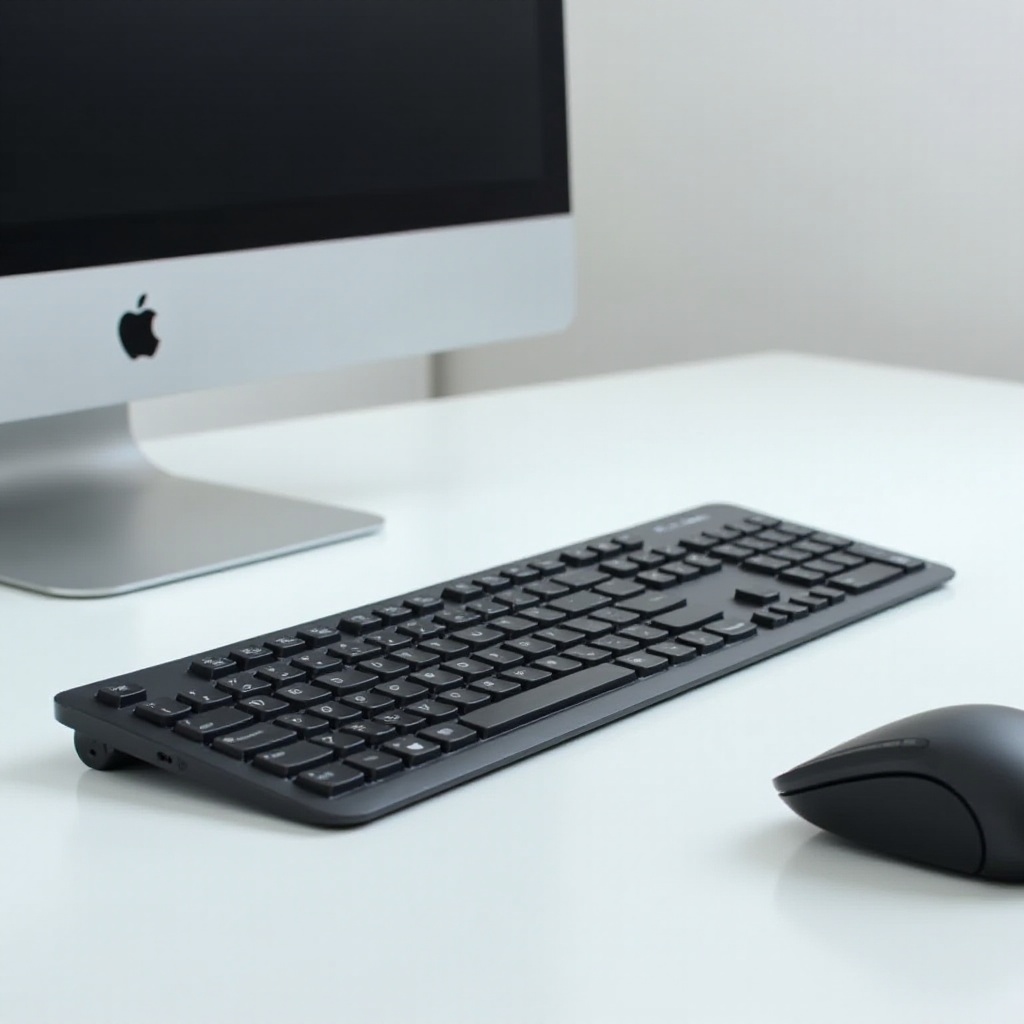
The clacking sound of mechanical keyboards can be quite satisfying for some, but it’s not for everyone, especially in shared or quiet environments. Mechanical keyboard enthusiasts often seek that satisfying feel without the accompanying noise. This search leads us to the realm of the quietest mechanical keyboard switches. In this article, we’ll explore what makes a switch quiet, review some of the quietest options available in 2024, and provide tips on how to choose the best one for your needs.
Understanding Mechanical Keyboard Switches
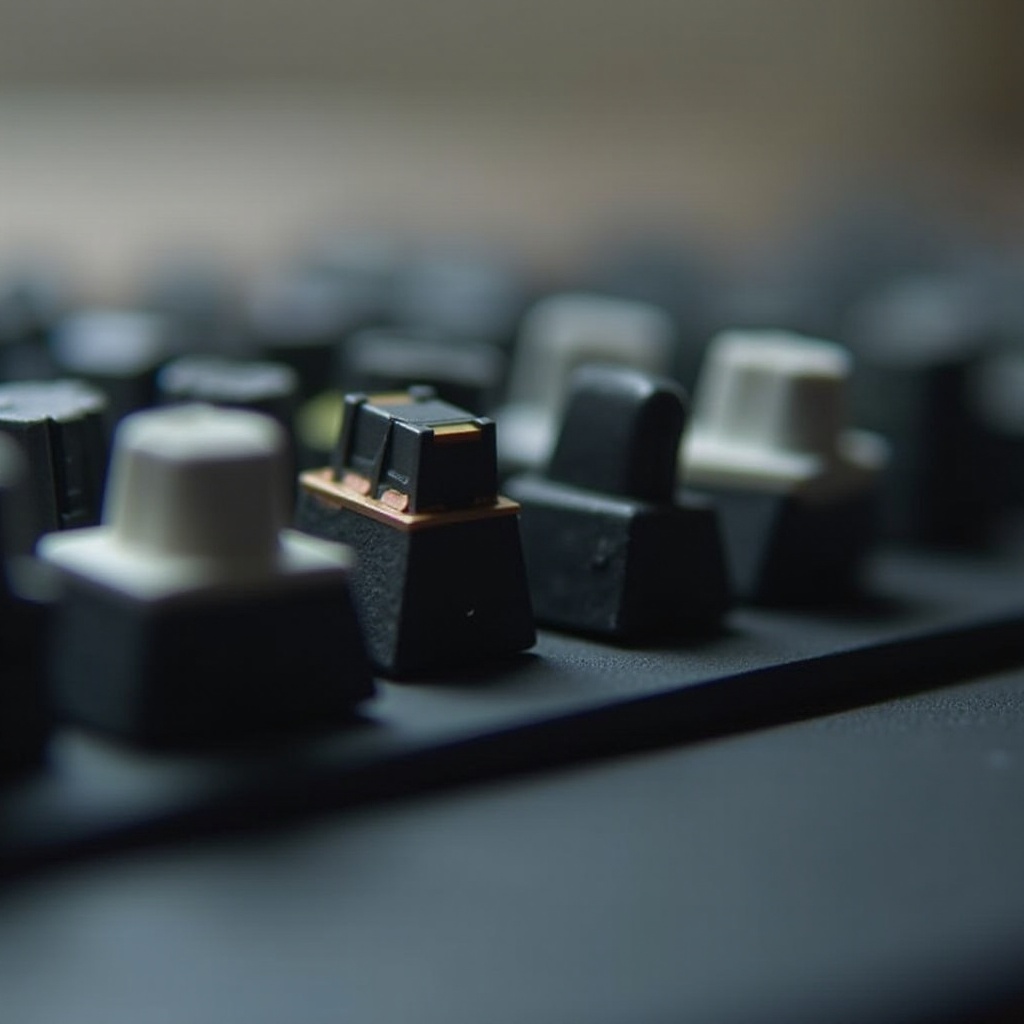
Mechanical keyboard switches are the components beneath the keycaps that determine the feel and sound of a keyboard. Unlike membrane or rubber dome keyboards, mechanical switches offer tactile feedback, durability, and a satisfying typing experience.
These switches can be classified into three main types:
- Linear Switches: Offer smooth keystrokes without tactile feedback.
- Tactile Switches: Provide a noticeable bump at the actuation point.
- Clicky Switches: Feature a tactile bump and distinct clicking sound.
Each type has its unique characteristics that appeal to different users. When it comes to quietness, linear and certain tactile switches are preferable. Let’s explore the key features that contribute to a quieter typing experience.
Key Features of Quiet Mechanical Switches
Quiet mechanical switches incorporate technology designed to reduce noise while maintaining the typing feel that users love. Here’s what you should know:
-
Sound Dampening Technology: Quiet switches often use rubber dampeners or cushioning pads that absorb the sound of key presses, minimizing noise.
-
Actuation Force and Tactile Feedback: The force required to press a key affects both sound and typing experience. Quiet switches typically have a lower actuation force, which reduces the impact sound while keeping a satisfying tactile response.
Choosing the right mechanical switch involves understanding these features and their impact on both performance and noise levels. Now, let’s look at some of the top quiet switch options available this year.
Top Quietest Mechanical Keyboard Switches in 2024
As the demand for quieter keyboards grows, manufacturers have developed switches that cater to this need. Here are some of the quietest switches you can consider:
-
Cherry MX Silent Red and Black: Known for their smooth and near-silent operation, these switches use dampening technology to absorb noise, offering a serene typing experience without sacrificing quality.
-
Gateron Silent Switches: These switches provide a balance between quietness and performance. Known for their affordability and compatibility, Gateron Silent switches are a popular choice among budget-conscious users.
-
ZealPC Zilent Switches: These premium switches are designed for minimal noise and maximum tactile feedback. They are an excellent choice for those seeking a high-end, quiet typing experience.
-
Kalih Silent Box Switches: Featuring a box design that helps contain sound and prevent debris, these switches offer a unique solution to noise reduction while maintaining durability.
Each switch type offers its own blend of features, so the choice will depend on your specific needs and preferences. Once you’ve determined which switch suits you best, it’s essential to weigh additional factors in selecting the perfect quiet switch.

How to Choose the Best Quiet Switch for Your Needs
Selecting the perfect quiet switch involves weighing several factors:
-
Typing vs. Gaming Needs: If you type more, a tactile quiet switch might be ideal. For gaming, a linear switch can offer speed and response without the noise.
-
Budget Considerations: Switches vary widely in price. Gateron Silent switches offer a budget-friendly option, while ZealPC Zilent switches provide premium performance at a higher cost.
-
Compatibility with Keyboards: Ensure the switches you choose are compatible with your keyboard. Check for hot-swappable options or be prepared for soldering.
These considerations will guide you in finding a balance between performance, quietness, and cost, ensuring you get the most out of your keyboard. After making your choice, consider additional measures to enhance your quiet typing experience.
Tips for Reducing Noise in Mechanical Keyboards
Even with the quietest switches, achieving a silent keyboard requires additional measures:
-
Use O-rings for Extra Dampening: Placing O-rings on keycaps can further reduce noise by cushioning the impact of the key press.
-
Select the Right Keycaps: Thicker keycaps can absorb more sound, reducing the noise produced when typing.
-
Additional Sound-dampening Accessories: Consider using dampening mats or lubing the switches to decrease friction and further quieten your keyboard.
Implementing these strategies alongside quiet switches will significantly improve your typing experience without disturbing your surroundings.
Conclusion
Emma, a software developer, wanted the satisfying feel of a mechanical keyboard without disrupting her coworkers. After her research and reading user reviews, she opted for Cherry MX Silent switches. By integrating additional dampening measures, she achieved the perfect balance of performance and peace. Similarly, the right combination of switches and accessories can meet diverse needs, offering the efficiency and tranquility that a quiet mechanical keyboard can provide.
Frequently Asked Questions
Are quiet mechanical switches suitable for gaming?
Yes, quiet switches can be suitable for gaming. Linear quiet switches maintain the responsiveness needed for gaming without the loud sounds.
Do quiet switches affect typing speed?
Quiet switches typically do not affect typing speed. They provide similar tactile feedback with reduced noise, enhancing comfort during extended typing sessions.
How do I install quiet switches on my current keyboard?
If your keyboard is hot-swappable, you can easily replace the switches without soldering. For soldered boards, removing and installing new switches requires desoldering and resoldering.