
Introduction
Ensuring your iPhone remains in optimal working condition involves regular maintenance, notably cleaning the charging port. As you use your device daily, it naturally collects dust, lint, and debris, which can interfere with the charging connection. This buildup can cause issues ranging from slow charging to complete charging failure. Fortunately, cleaning the charging port is straightforward and can significantly improve your iPhone’s performance. This guide offers detailed instructions on how to safely clean your charging port, maintaining your device’s longevity and reliability.
Why It’s Important to Clean Your iPhone Charging Port
Keeping your charging port clean is essential for efficient power transfer. A blocked or dirty port can result in slow charging or, in more severe cases, prevent your iPhone from charging altogether. Additionally, a clogged port can lead to hardware problems over time, threatening the integrity of your iPhone. By maintaining a clean port, you prolong your phone’s lifespan and prevent dirt accumulation, which can cause overheating during charging sessions. Therefore, a small maintenance task like cleaning your port can greatly enhance the performance and durability of your device.
Signs That Your Charging Port Needs Cleaning
Recognizing when your charging port requires cleaning is crucial. Here are key indicators:
- Charging Intermittently: Frequent interruptions in charging may indicate debris causing a loose connection.
- Charging Slowly: A slower charging rate can suggest a blockage in the port.
- Charger Not Fitting Properly: Difficulty in inserting the charger could mean something is obstructing the port.
Tools and Materials Needed to Clean the Charging Port
Before beginning the cleaning process, gather the necessary tools and materials:
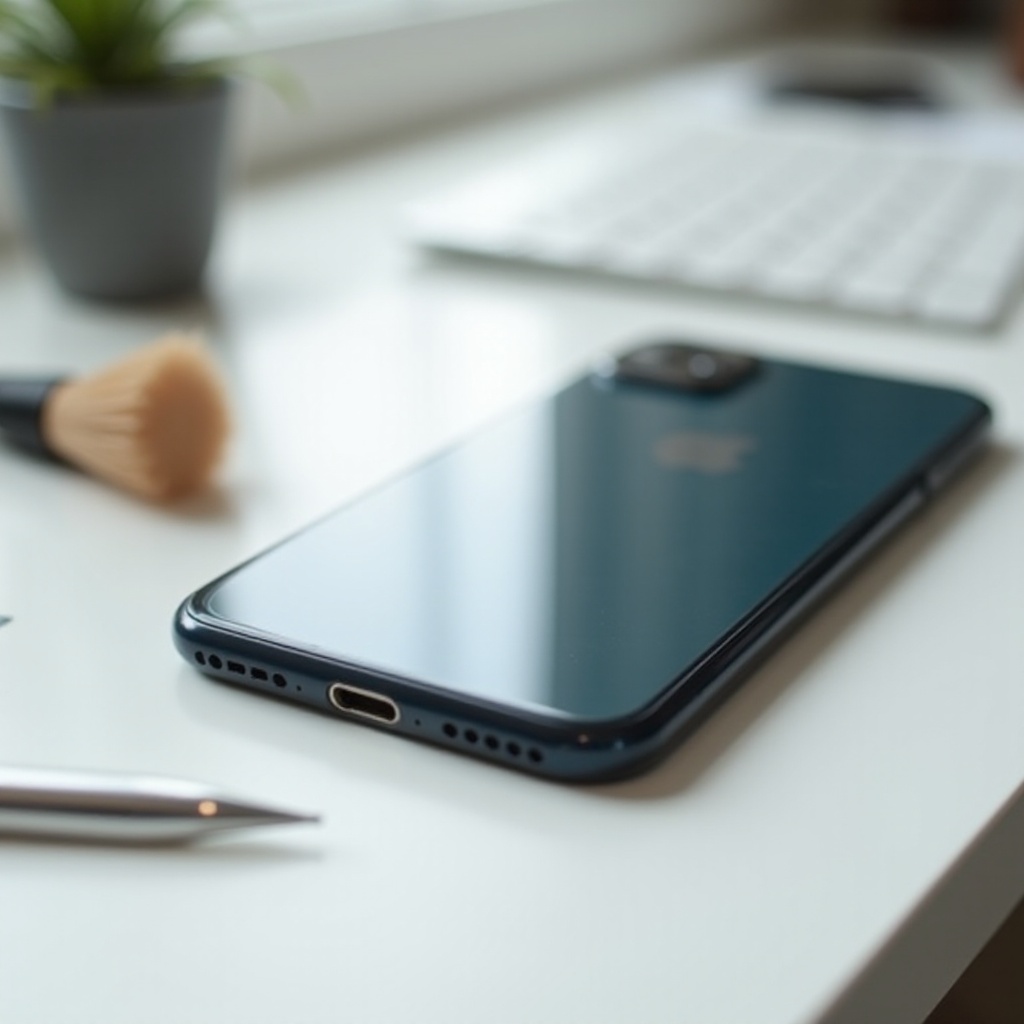
- Small Flashlight: Essential for seeing inside the port clearly.
- Plastic or Wooden Toothpicks: Useful for gently removing dirt without damaging delicate components.
- Compressed Air Canister: Excellent for blowing away dust without contact.
- Soft Brush: A clean toothbrush or small brush helps in loosening debris.
- Microfiber Cloth: Perfect for cleaning the area around the port and removing any residual dust.
With these items at your disposal, you can proceed with confidence, minimizing the risk of damage to your device.
Step-by-Step Guide to Cleaning Your iPhone Charging Port
Turning Off Your iPhone
It’s vital to power down your iPhone before cleaning. This step helps prevent potential short-circuiting during the cleaning process. Simply hold the power button and follow the prompt to turn off your device completely.
Inspecting the Charging Port
Use a small flashlight to look inside the charging port to assess the level of debris. This inspection helps decide the intensity of cleaning required, opting for a more thorough method if necessary.
Cleaning Methods
-
Blow Out Dust with Compressed Air: Use short bursts of air, maintaining a safe distance from the port to avoid any damage.
-
Use a Soft Brush or Toothpick: Carefully insert into the port to dislodge debris. Handle with care to avoid disrupting internal components.
-
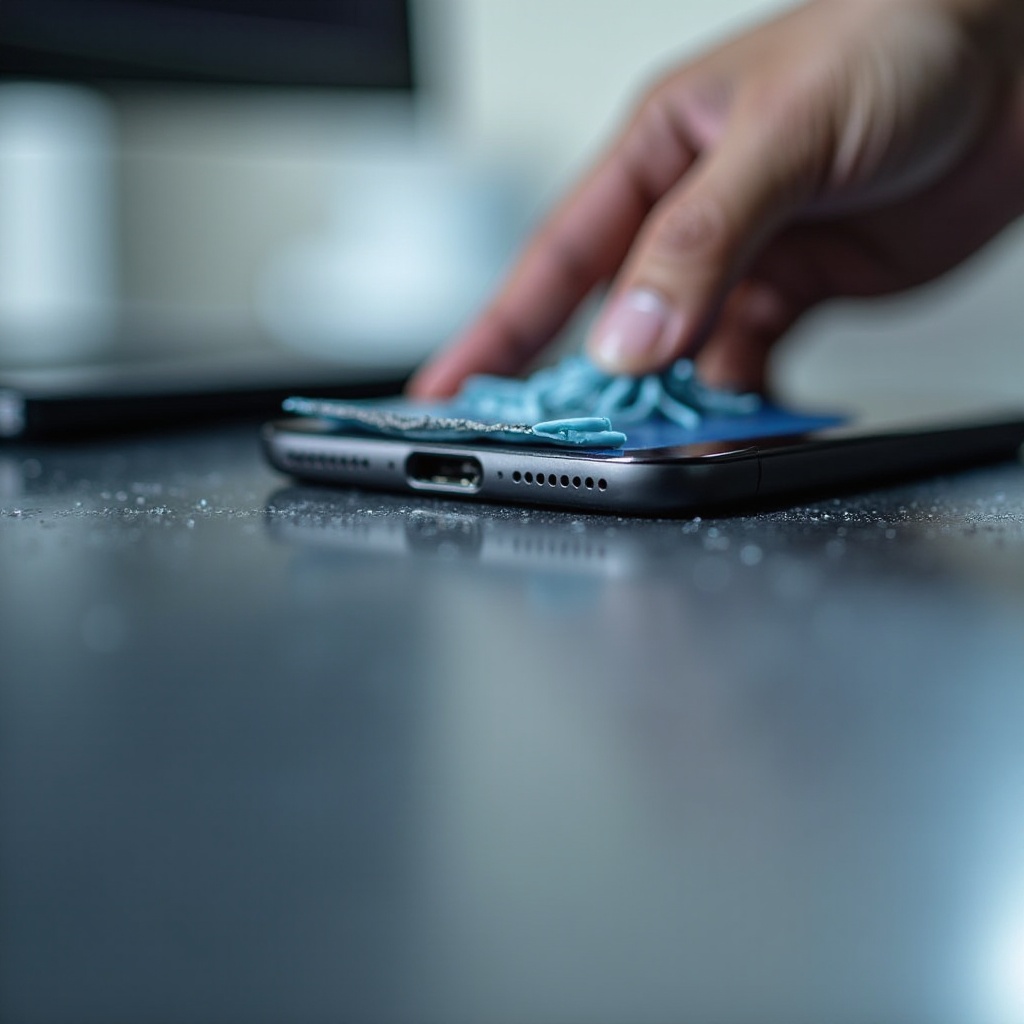
Wipe with a Microfiber Cloth: Finish the process by wiping down around the port, ensuring any loose dust is cleared away.
If needed, repeat these methods to ensure a thorough cleaning. Always be gentle to prevent damage to the port.
Preventive Tips to Keep Your Charging Port Clean
Maintaining a clean charging port involves more than just occasional cleaning. Adopt these habits to prevent future accumulation of debris:
- Avoid Dusty Environments: Keep your phone away from excessively dusty or dirty settings.
- Use a Protective Case: Consider a case that covers the port when not in use.
- Regular Inspection: Routinely check the port for signs of buildup.
- Clean Accessories: Ensure headphones and cables are clean as they can transfer dust to your device.
These practices will minimize the frequency of needing to clean your port extensively and help keep your device in perfect condition.
What to Do If Cleaning Doesn’t Fix the Problem
Should your iPhone continue experiencing charging issues post-cleaning, don’t worry. Here are additional steps you can take:
- Try a Different Cable: Rule out cable issues by testing with a different one.
- Check the Power Source: Ensure that the charger outlet or power source is functioning correctly.
- Restart Your iPhone: Sometimes, a simple restart can resolve charging issues due to software glitches.
These troubleshooting steps can often resolve persistent problems without the need for technical assistance.
When to Visit a Professional
If cleaning and troubleshooting do not rectify your charging issues, it may be time to seek professional assistance. Visit an Apple-authorized service center for expert diagnosis and repair. Professionals have specialized tools and knowledge to tackle underlying hardware problems that simple cleaning might not resolve.
Conclusion
Regularly cleaning your iPhone’s charging port is critical for maintaining charging efficiency and overall device functionality. With the proper tools and careful execution, you can keep your port free from dust, reducing the risk of charging problems. By following this guide and adopting preventive measures, your iPhone will remain in optimal condition, ready to meet your charging needs efficiently at all times.
Frequently Asked Questions
Can I use a needle to clean my iPhone’s charging port?
No, using a needle can damage internal components. Stick to plastic toothpicks or compressed air.
How often should I clean the charging port of my iPhone?
A cleaning every few months is sufficient, but inspect regularly to monitor buildup.
What should I do if my iPhone still isn’t charging after cleaning the port?
Try using a different cable or power source. If issues persist, a professional inspection may be necessary.