Introduction
The reliance on digital devices is increasing, making iPads essential for students, professionals, and artists. With a stylus, your iPad becomes a dynamic digital notebook, enhancing your note-taking experience significantly. However, with so many options available, it’s crucial to find the right stylus for your needs. This guide will walk you through the best styluses available in 2024, highlight essential features, and offer tips to make the most out of your digital note-taking.
Why a Stylus is Essential for iPad Note-Taking
Using a stylus to take notes offers precision and flexibility that fingers alone can’t match. It mimics the traditional paper and pen method, making it ideal for diverse users, including students jotting down lessons, professionals recording vital data, and artists sketching ideas. Embracing a stylus not only streamlines workflows but boosts productivity and creativity.
As we explore the benefits of a stylus, understanding the features that enhance note-taking is key. Let’s delve into the specifics of what to consider when selecting your ideal stylus.
Top Features to Consider When Choosing a Stylus
Selecting the right stylus involves valuing features that cater to your note-taking style:
-
Sensitivity and Precision: Opt for a stylus offering high sensitivity and precision for accurately capturing your writing.
-
Battery Life and Charging Options: Consider styluses with long-lasting battery life and convenient charging options to reduce downtime.
-
Compatibility and Palm Rejection: Ensure the stylus is compatible with your iPad model and look for palm rejection technology to allow natural hand placement while writing.
With a solid understanding of the key features, let’s explore the top styluses for note-taking available in this year.
Best Styluses for Note-Taking on iPad in 2024
Several styluses stand out this year for their note-taking capabilities:
-
Apple Pencil (2nd Generation): Seamlessly integrates with the iPad, offering precise control, low latency, and convenient charging through magnetic attachment.
-
Logitech Crayon: Provides impressive performance with tilt support for dynamic note-taking at a budget-friendly price, perfect for students and casual users.
-
Adonit Note+: Features programmable shortcut buttons and palm rejection, making it ideal for professionals requiring efficient note processing.
-
Wacom Bamboo Ink Plus: Designed for artists, its ergonomic build supports various pen tips, suitable for users needing a versatile tool for creative pursuits.
-
Zagg Pro Stylus: Known for its sleek design and dual-tip functionality, it serves well for both note-taking and navigation, offering excellent value.
To make an educated choice, comparing these styluses side by side in terms of features and usability is helpful.
Comparison Table of Top Styluses
A table comparing the styluses reveals clear differences:
| Stylus | Precision | Battery Life | Charging Method | Compatibility | Special Features | ||
| Apple Pencil 2nd Gen | High | 12 hours | Magnetic | All iPads | Double-tap shortcuts | ||
| Logitech Crayon | Medium | 7.5 hours | USB-C | All iPads | Tilt support | ||
| Adonit Note+ | High | 10 hours | USB-C | Modern iPads | Shortcut buttons | ||
| Wacom Bamboo Ink Plus | High | 15 hours | USB-C | Artists’ iPads | Multiple pen tips | ||
| Zagg Pro Stylus | Medium | 8 hours | USB-C | Modern iPads | Dual-tip functionality |
Understanding your usage will guide you in selecting the most effective stylus. Let’s see how to make the best choice.
How to Choose the Right Stylus for Your Needs
Consider these factors to find the stylus that suits your specific needs best:
-
Budget: Determine whether you’re looking for a cost-effective option or if you’re open to investing in a premium stylus for additional features.
-
Primary Usage: Identify whether you’ll primarily be writing, drawing, or navigating, as different styluses excel in different areas.
Now that you’ve narrowed down your options, it’s important to know how to maximize your stylus’s potential. The next section provides essential tips to enhance your digital note-taking.
Tips for Enhancing Your Note-Taking Experience
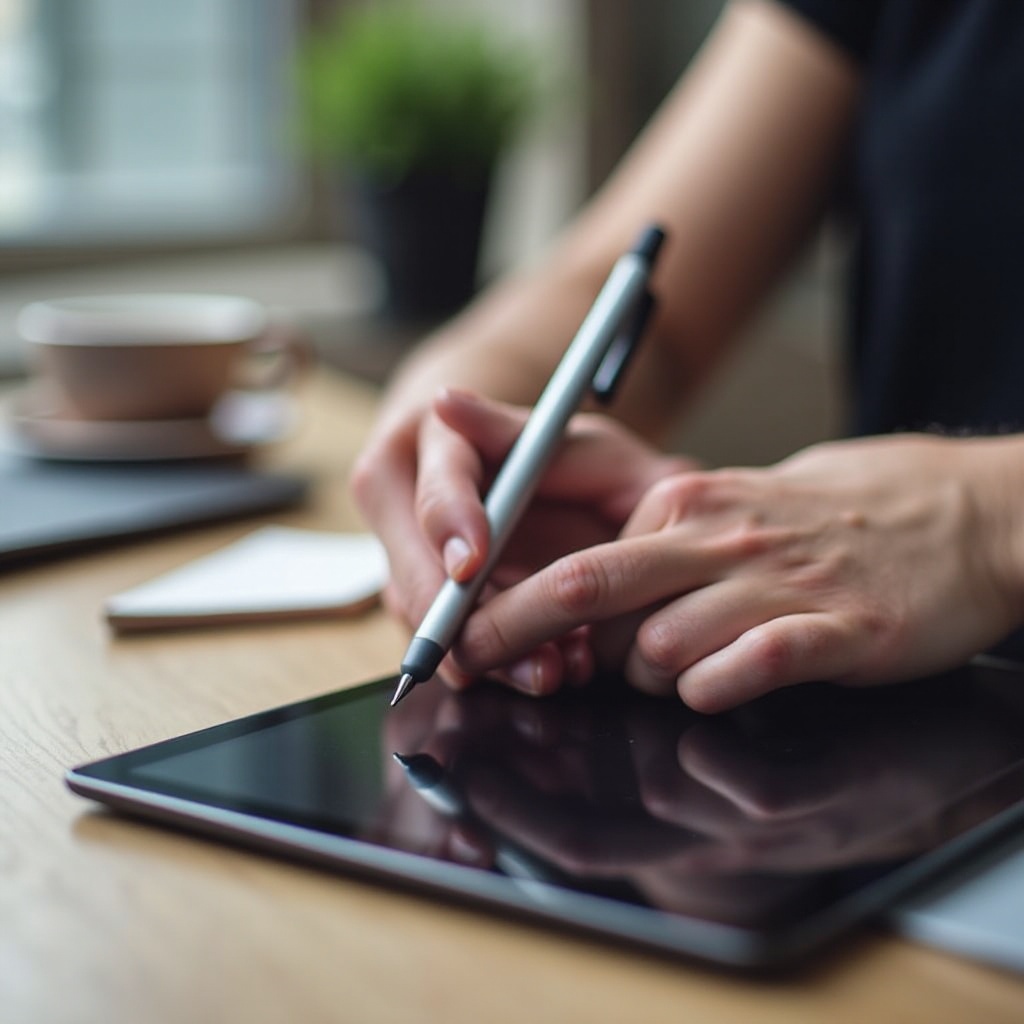
Unlock your stylus’s full potential with these strategic tips:
-
Recommended Note-Taking Apps: Applications such as Notability, GoodNotes, and Microsoft OneNote offer intuitive platforms that pair seamlessly with styluses for capturing digital notes effectively.
-
Maintaining Your Stylus: Regularly clean your stylus and check its tip condition to ensure consistent and accurate performance.
-
Maximizing Efficiency with Digital Notes: Employ features like handwriting recognition and cloud synchronization to keep your notes well-organized and easily accessible.
Adopting these practices will refine your note-taking process and ensure your productivity stays high.
Conclusion
Selecting the best stylus for your iPad is a personal journey, influenced by your specific requirements and the evolved technologies of 2024. With a carefully chosen stylus, your digital note-taking experience becomes more intuitive, effective, and enjoyable. Equip yourself with these insights, and transform the way you interact with your digital content.
Frequently Asked Questions
What is the best stylus for iPad note-taking in 2024?
The Apple Pencil (2nd Generation) remains a top choice due to its precision and full compatibility with current iPad models.
Can I use any stylus with my iPad?
Not all styluses are compatible with every iPad model. It’s important to check compatibility to ensure proper functionality.
How does a stylus enhance digital notes compared to using fingers?
A stylus provides enhanced precision, allows for palm rejection, and offers features like pressure sensitivity that fingers cannot.