Introduction
Great sound can elevate any gaming experience from good to great, immersing you in the action with lifelike audio. Whether it’s the subtle rustle of leaves or the thunderous roar of engines, the right speakers help you truly feel every moment in your games. Our comprehensive guide walks you through the best computer gaming speakers of 2024, ensuring your next gaming session is the best it can be.
Key Features to Look for in Gaming Speakers
Choosing the right gaming speakers necessitates a good grasp of several important features and how they contribute to enhanced gameplay:
- Sound Quality: High fidelity sound is crucial. Look for speakers with a broad frequency range that can accurately reproduce both subtle environmental sounds and booming action sequences.
- Surround Sound: To achieve an immersive gaming experience, surround sound capabilities such as 5.1 or 7.1 systems are essential. These make you feel right in the middle of the action.
- Versatile Connectivity: Ensure that your speakers support diverse connectivity options like Bluetooth, USB, or traditional audio jacks for seamless integration.
- Compact and Stylish Design: Depending on your gaming space, the size and aesthetic appeal of the speakers can greatly affect your setup. Opt for models that fit well within your physical environment.
- Durability: Opt for well-constructed speakers from trustworthy brands capable of withstanding regular use over time.
With this knowledge, you can make a more informed decision as we explore the best options available.
Top 5 Best Computer Gaming Speakers of 2024
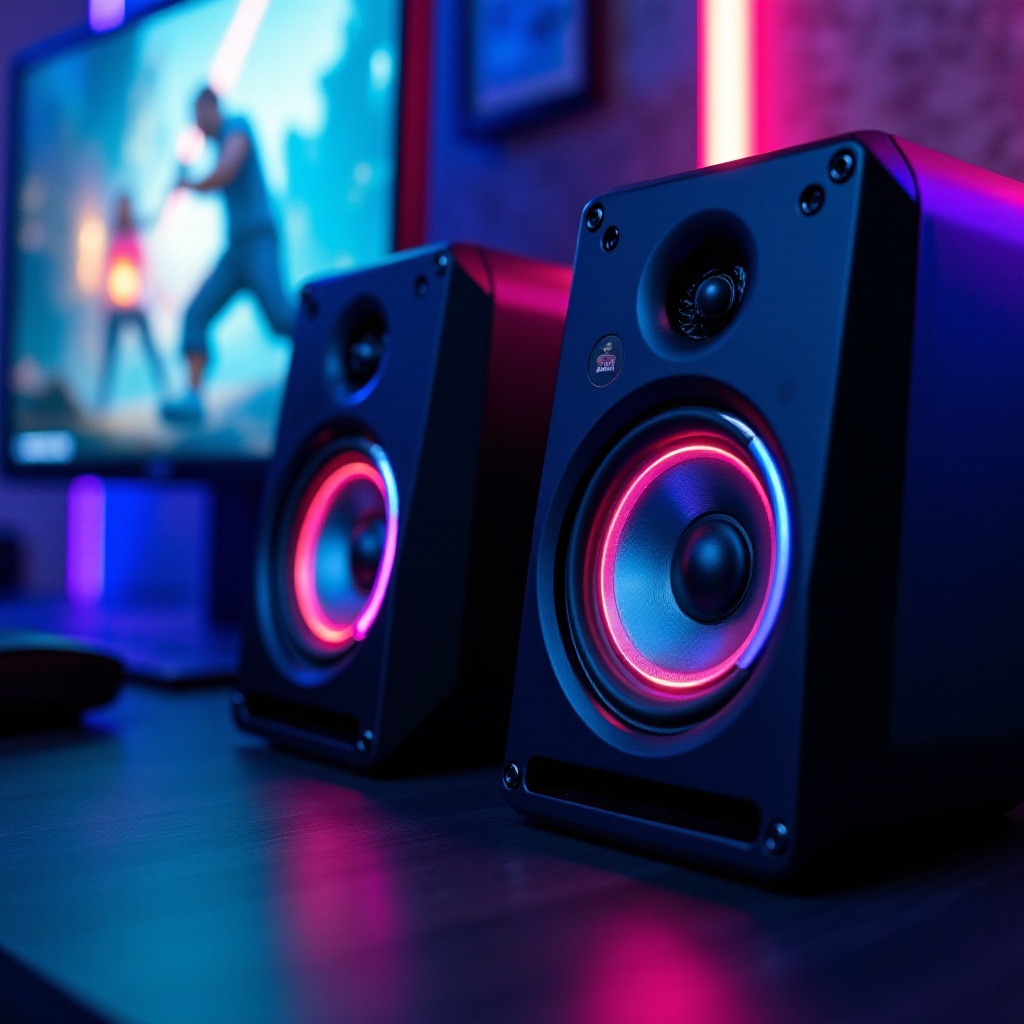
Looking for speakers can be overwhelming. We’ve narrowed the field to five top options that stand out in 2024:
Speaker 1: Logitech G560 LIGHTSYNC
Logitech’s G560 stands out with its LIGHTSYNC RGB lighting, which pairs visual effects with in-game actions. It offers solid sound with an innovative lighting experience, providing a distinctive blend of performance and ambiance.
Speaker 2: Razer Nommo Chroma
Renowned for its full-range drivers, Razer Nommo Chroma ensures precision sound. With customizable RGB lighting, it delivers on both aesthetics and auditory capabilities—ideal for any gaming environment.
Speaker 3: Creative Pebble Plus 2.1
The Creative Pebble Plus offers outstanding audio quality with a minimalist design. Its dedicated subwoofer adds impressive depth to bass-heavy environments at a highly affordable price.
Speaker 4: Audioengine A5+ Wireless
Audioengine A5+ boasts superior soundstage with high-definition audio and wireless connectivity. Its retro style and robust performance make it suitable for serious gamers demanding excellent sound quality.
Speaker 5: Bose Companion 2 Series III
Well-known for clear, full sound, the Bose Companion 2 is compact yet powerful, making it a practical choice for those looking to maximize both style and sound in a smaller space.
Budget-Friendly Gaming Speaker Options
If high-end speakers are outside your budget, several affordable options do not compromise on quality:
- Cyber Acoustics CA-3602FFP: Known for its rich audio quality and robust subwoofer, making it an excellent choice on a budget.
- AmazonBasics USB-Powered PC Computer Speakers: These offer great portability and competent sound without costing much.
- Genius SW-G2.1 2000: Providing big sound for a small price, it includes a dedicated subwoofer for enhanced bass effects.
Whether you’re on a budget or looking for the best of the best, these options ensure high-quality sound is accessible to all.
How to Set Up Your Gaming Speakers for Optimal Performance
Selecting the right speakers is just the first step. Proper setup will maximize your audio experience:
- Strategic Placement: Position stereo speakers at ear level for the best listening experience. If using surround sound, arrange speakers around the room accordingly.
- Effective Connections: Use the highest quality cables available, such as optical connections, and ensure all ports are correctly utilized.
- Sound Customization: Use your device’s custom audio settings to adjust bass, treble, and other sound properties to your liking.
- Calibration Software: Implement any available calibration software from the manufacturer’s website to fine-tune performance.
These steps will help bring out the best in your audio setup, enhancing every game session.
Conclusion
The right gaming speakers provide more than just sound—they offer an escape into every gaming universe. Whether you’re combating opponents or unraveling mysteries, top-notch speakers ensure you experience each moment to its fullest potential. Our selections for 2024 include premium options as well as budget-friendly speakers, all designed to provide a spectacular auditory experience tailored to your specific needs.
Frequently Asked Questions
How can I connect my gaming speakers to my computer?
To connect speakers, use appropriate audio cables like HDMI, USB, or optical. For Bluetooth models, pair with your computer and ensure audio settings are configured properly.
Do I need a subwoofer for gaming?
While not necessary, a subwoofer enhances bass, providing a richer sound which can be particularly beneficial in games emphasizing audio depth such as action or simulation games.
What is the best placement for gaming speakers?
For optimal sound delivery, position stereo speakers at ear level beside your monitor. For surround systems, place speakers according to your room layout to envelop yourself in sound.